How to Use This Template
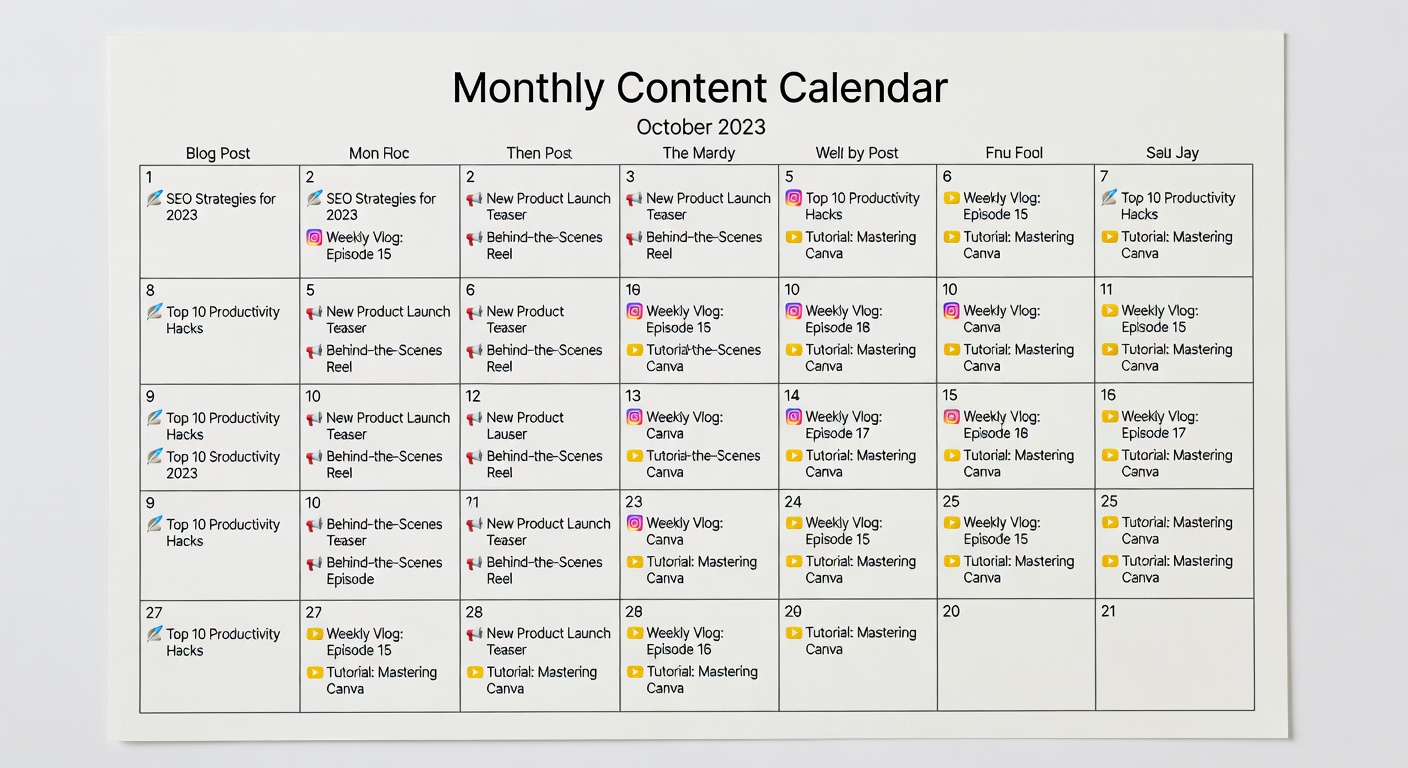
Follow these steps to fill in your monthly content calendar effectively and stay consistent.
Set Your Monthly Theme
Before adding individual posts, decide the overarching theme or goal for the month — a product launch, a seasonal topic, or a key campaign.
Block Out Key Dates
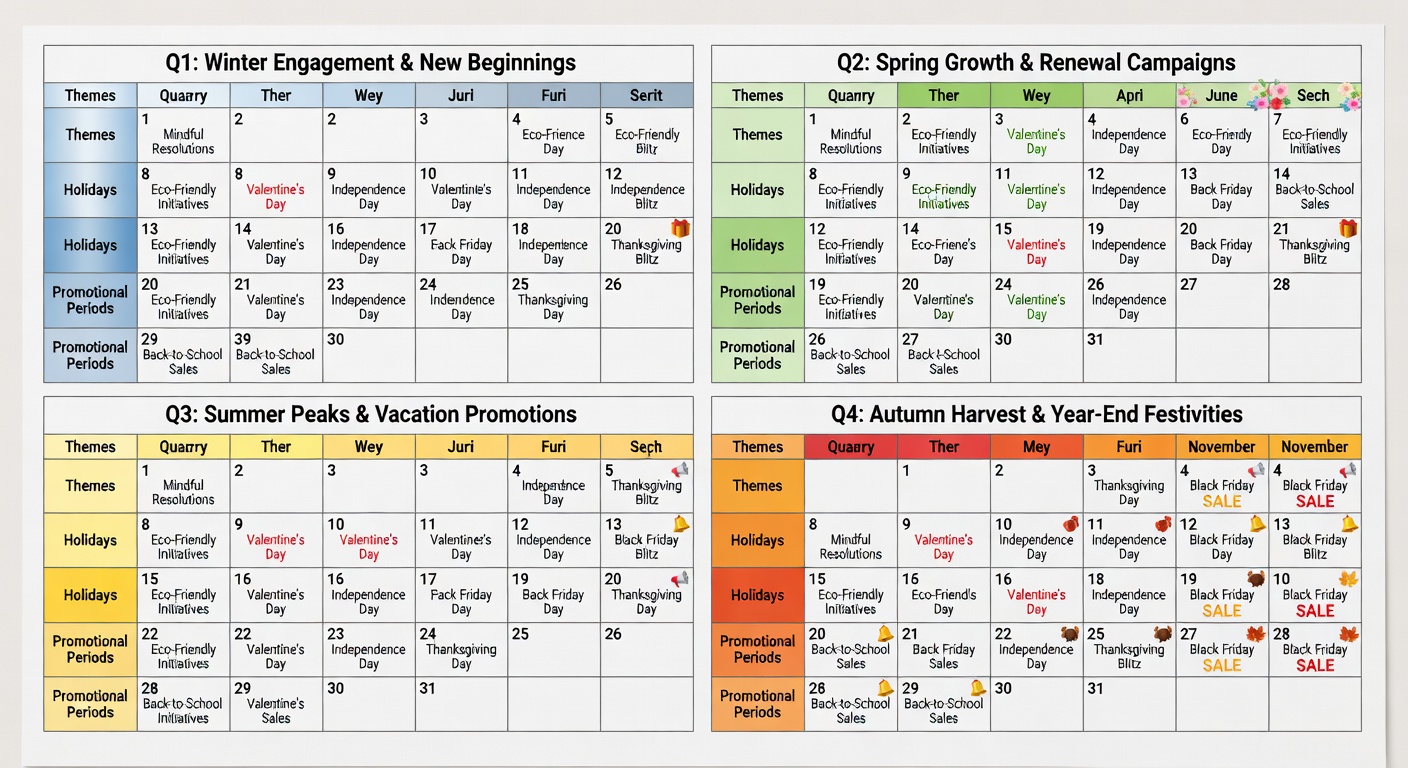
Mark holidays, product releases, and events first. These anchor points will shape what you create around them.
Fill Content Types
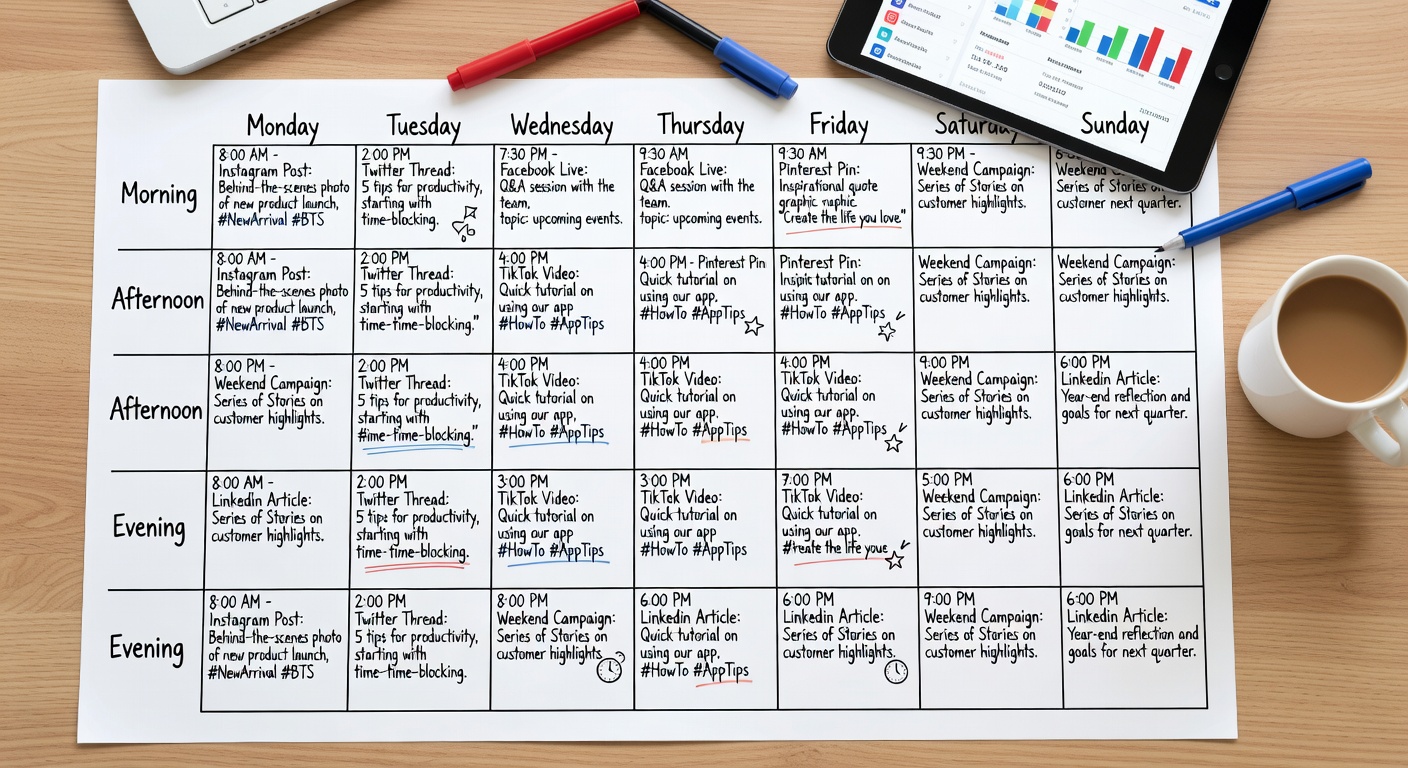
Distribute blog posts, social content, videos, and emails across the remaining days — aim for a balanced mix of formats.
Add Specific Topics
Once slots are blocked, write the specific topic or title for each piece. Vague entries lead to blank drafts — be specific.
Review for Gaps
Look at the full month. Are there any days with no content? Any weeks that feel too heavy? Adjust until the calendar feels sustainable.
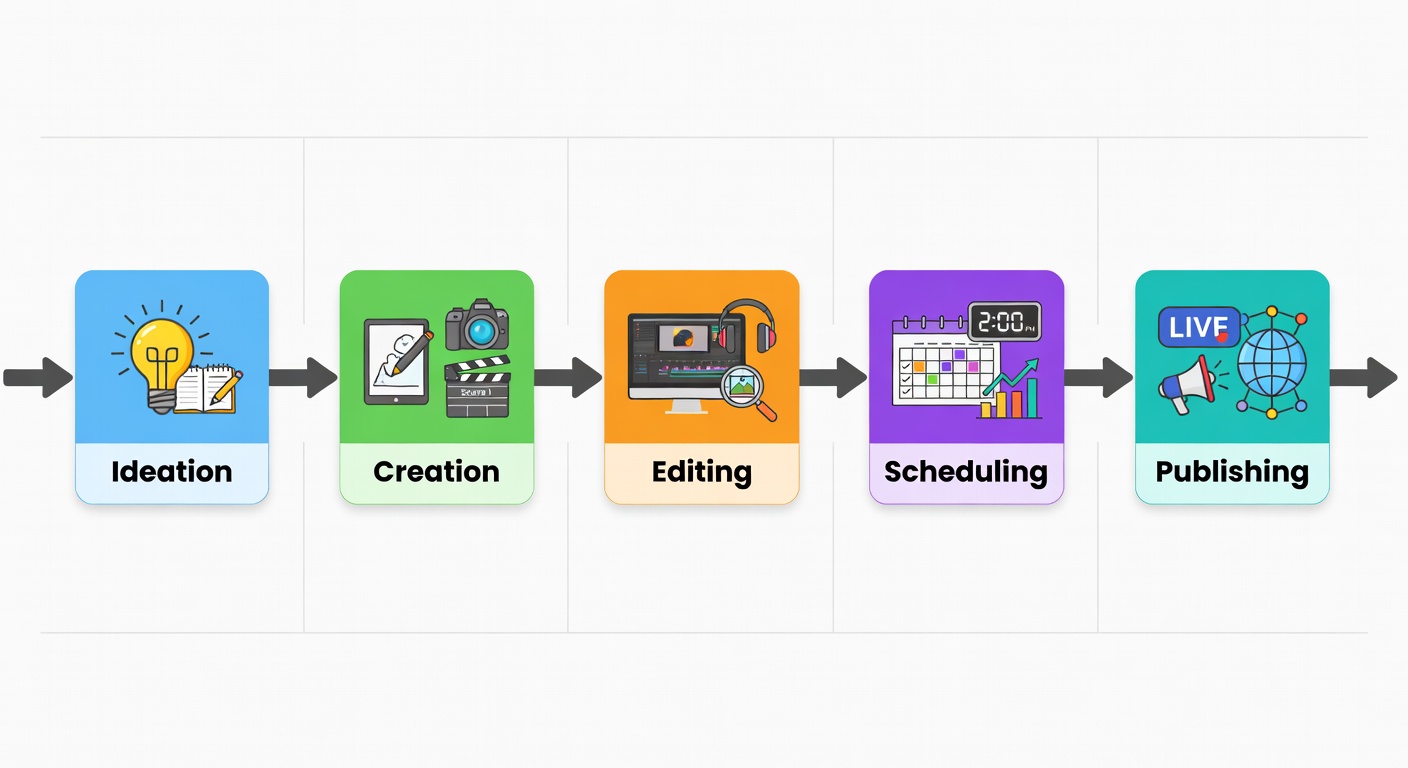
Batch & Execute
Use your calendar to plan a single batch creation session where you produce everything at once — then schedule and walk away.