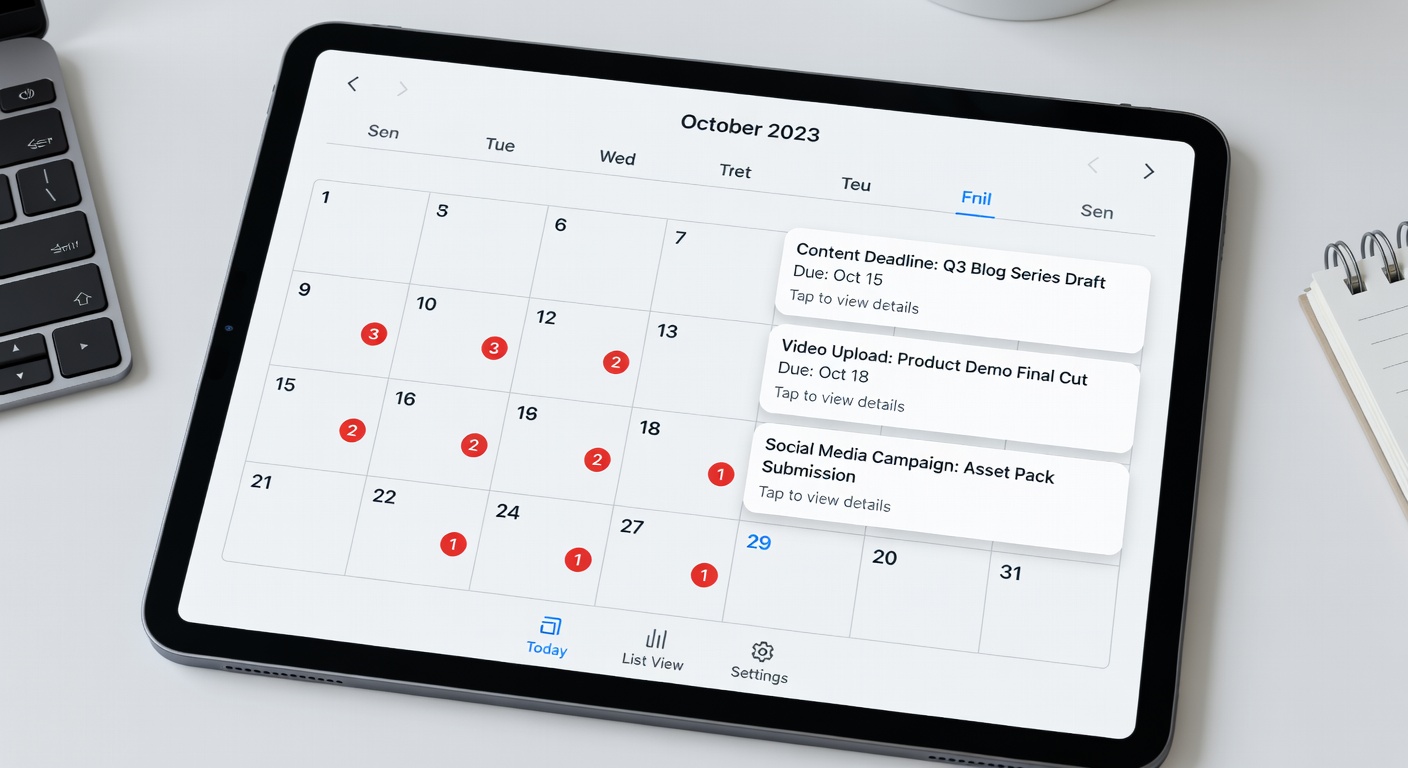
Batch days are appointments with your future self. Here's how to make them non-negotiable:
🔒
Block as "Unavailable"
Add your batch days to Google Calendar and mark them as "Unavailable" or "Out of Office." This prevents anyone from booking over them — including yourself.
📢
Tell Your Team & Family
Let people around you know that your batch days are protected time. "I can't take calls on the 1st Saturday of every month" becomes a respected boundary.
🔁
Create a Recurring Event
Set your batch day as a recurring calendar event 12 months in advance. When it's already blocked, other things schedule around it rather than over it.
⚡
Treat It Like a Flight
You wouldn't reschedule a flight the morning of departure without serious reason. Apply the same level of commitment to your batch days.
🎯
Add a "Pre-Batch Prep" Block
Add a 30-minute "pre-batch" event the evening before. Use it to review your idea bank, set up your workspace, and mentally prepare so you start strong.
🏖️
Plan Around Holidays
Scan your calendar for upcoming vacations and holidays. When a holiday falls on your batch day, move it one week early — not one week late.