πŸ“– Step-by-Step Guide

Your Complete Batch Creation Guide

Follow this 5-phase framework to systematically create a month of content in a single focused day. Every phase has a time estimate, detailed checklist, and hard-won pro tips.

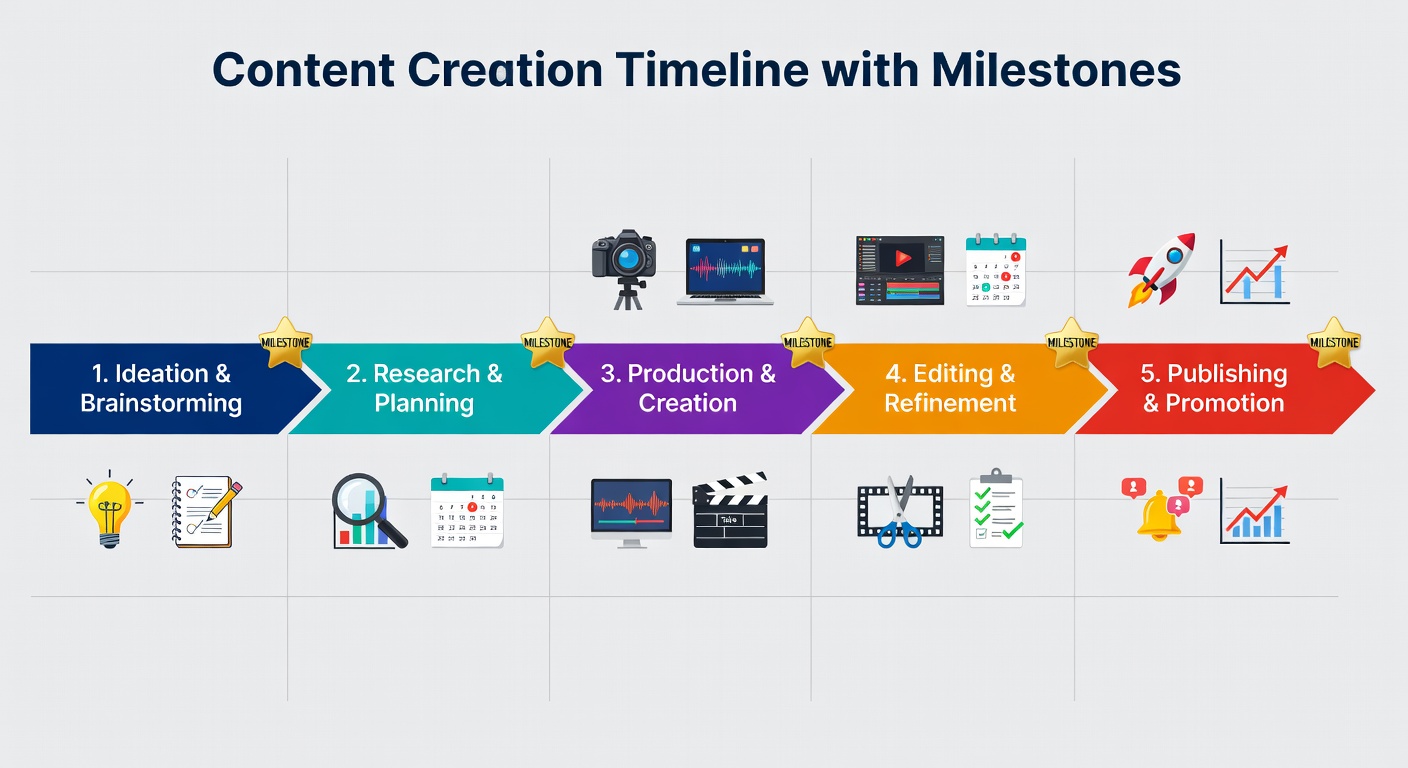
Phase 1: Brain Dump Β· 60min Phase 2: Outline Β· 90min Phase 3: Create Β· 3-4hrs Phase 4: Visuals Β· 2hrs Phase 5: Schedule Β· 30min
Content Creation Milestones
Your Checklist Progress
0 / 25 tasks
PHASE1

The Brain Dump

Unload every idea from your head before you filter or judge anything

⏱ 60 minutes

βœ… Checklist

  • βœ“
    Set a 60-minute timer and open a blank doc
  • βœ“
    Write every content idea that comes to mind β€” no filters
  • βœ“
    Review your comments & DMs for audience questions
  • βœ“
    Check your analytics for top-performing past content
  • βœ“
    Add 5+ ideas inspired by trending topics in your niche

πŸ’‘ Ideation Techniques

The "What I Wish I Knew" method β€” answer your past self's questions
SCAMPER your top post β€” Substitute, Combine, Adapt, Modify
Mine Reddit/Quora for unanswered audience questions
Repurpose your long-form content into 10 short pieces

πŸ”₯ Pro Tips

Don't edit during brain dumpJudgment kills ideation. Write everything β€” you can filter in Phase 2. Aim for at least 40 ideas before you stop.
PHASE2

Outline & Structure

Turn raw ideas into organized content plans with clear direction

⏱ 90 minutes

βœ… Checklist

  • βœ“
    Score each idea: Effort (1-5) Γ— Impact (1-5) = Priority score
  • βœ“
    Select top 20–30 ideas for this batch session
  • βœ“
    Assign each idea a content format (post, reel, thread, etc.)
  • βœ“
    Create a brief outline for each piece (3–5 bullet points)
  • βœ“
    Group similar topics together for creation efficiency

πŸ“ Organization System

Create a content matrix: Topic Γ— Format Γ— Platform
Ensure 3 content pillars are equally represented
Plan a narrative arc β€” content should build week over week
Identify which pieces need visuals vs. text-only

πŸ”₯ Pro Tips

Sequence strategicallyYour best idea should post on Tuesday or Wednesday β€” not Monday. Save your second-best for Friday to end the week strong.
PHASE3

Content Creation

Write all captions, scripts, threads, and copy in one focused block

⏱ 3–4 hours

βœ… Checklist

  • βœ“
    Work through outlines in order β€” don't jump around
  • βœ“
    Write all Instagram captions (include hashtag sets)
  • βœ“
    Draft all LinkedIn text posts and carousel copy
  • βœ“
    Write Twitter/X threads and standalone tweets
  • βœ“
    Script any Reels or video content

✍️ Writing Techniques

Pomodoro blocks: 25 min writing, 5 min break
Write hooks first for all pieces, then fill in the body
Use a voice memo to dictate β€” type later for speed
Batch by format β€” all captions, then all threads

πŸ”₯ Pro Tips

Done beats perfectIn batch mode, write first drafts only. You can refine during scheduling. Perfectionism kills batching speed β€” ship 80% quality, 100% consistency.
PHASE4

Visual Creation

Create all graphics, thumbnails, and visual assets in batch

⏱ 2 hours

βœ… Checklist

  • βœ“
    Create all graphics using your brand templates
  • βœ“
    Design all carousel slides for LinkedIn and Instagram
  • βœ“
    Export and organize all images by platform and date
  • βœ“
    Create video thumbnails and Reel cover images
  • βœ“
    Organize all files in dated folders for easy scheduling

🎨 Design Efficiency

Use Canva brand kit for one-click design consistency
Duplicate templates β€” change only text and images
Create 3–5 master templates and remix them endlessly
Export all images at once β€” batch the exports too

πŸ”₯ Pro Tips

Templates are your secret weaponNever design from scratch. Build 3 carousel templates, 2 quote templates, and 2 infographic templates. Each batch just needs content swapped in.
PHASE5

Scheduling

Queue everything so it goes out automatically β€” you're done for the month

⏱ 30 minutes

βœ… Checklist

  • βœ“
    Open your scheduler (Buffer, Later, or Meta Suite)
  • βœ“
    Upload all captions and visuals from your organized folders
  • βœ“
    Set optimal posting times for each platform
  • βœ“
    Review calendar for even distribution β€” no clustering
  • βœ“
    Enable notifications and double-check all queued posts

βš™οΈ Scheduling Tips

Schedule Tuesday–Thursday at peak hours first
Space posts at least 4 hours apart on same platform
Leave 1–2 slots open per week for reactive content
Set a calendar reminder to check performance in 48 hrs

πŸ”₯ Pro Tips

Leave slots for live contentDon't schedule every single slot. Reserve 20% of your posting schedule for timely, reactive content that feels fresh and in-the-moment.

Sample Batch Day Timeline (9am–5pm)

Here's exactly how to structure a full batch day for maximum output:

9:00am

Environment Setup & Warm-Up

Set up your workspace, brew your coffee, put on your focus playlist, and open all the tools you'll need. Eliminate distractions. Silence your phone.

30 min warm-up
9:30am

Phase 1: Brain Dump

60 minutes of pure ideation. Every idea on paper β€” no filters, no judgment. Review analytics and audience comments for inspiration.

60 min Β· Phase 1
10:30am

Phase 2: Outline & Structure

Score, prioritize, and outline your best ideas. Assign formats, platforms, and posting dates. Create your content matrix.

90 min Β· Phase 2
12:00pm

Lunch Break & Walk

Step away from screens. Eat, walk, and let your subconscious process. Ideas often surface during breaks β€” keep your phone for voice memos.

60 min break
1:00pm

Phase 3: Content Creation (Part 1)

Write your most complex content first while your energy is highest. Long-form threads, carousels, and detailed how-to posts go here.

2 hrs Β· Phase 3
3:00pm

Phase 3: Content Creation (Part 2)

Finish remaining captions, short posts, and quick tweets. This is lighter work β€” perfect for your afternoon energy dip.

60 min Β· Phase 3
4:00pm

Phase 4: Visual Creation

Create all graphics using your templates. Export and organize files. This creative-but-mechanical work is perfect for the end of day.

60 min Β· Phase 4
5:00pm

Phase 5: Schedule Everything

Upload, schedule, and queue all content. Review the calendar for the month. You're done β€” celebrate this massive win!

30 min Β· Phase 5 Β· Done! πŸŽ‰
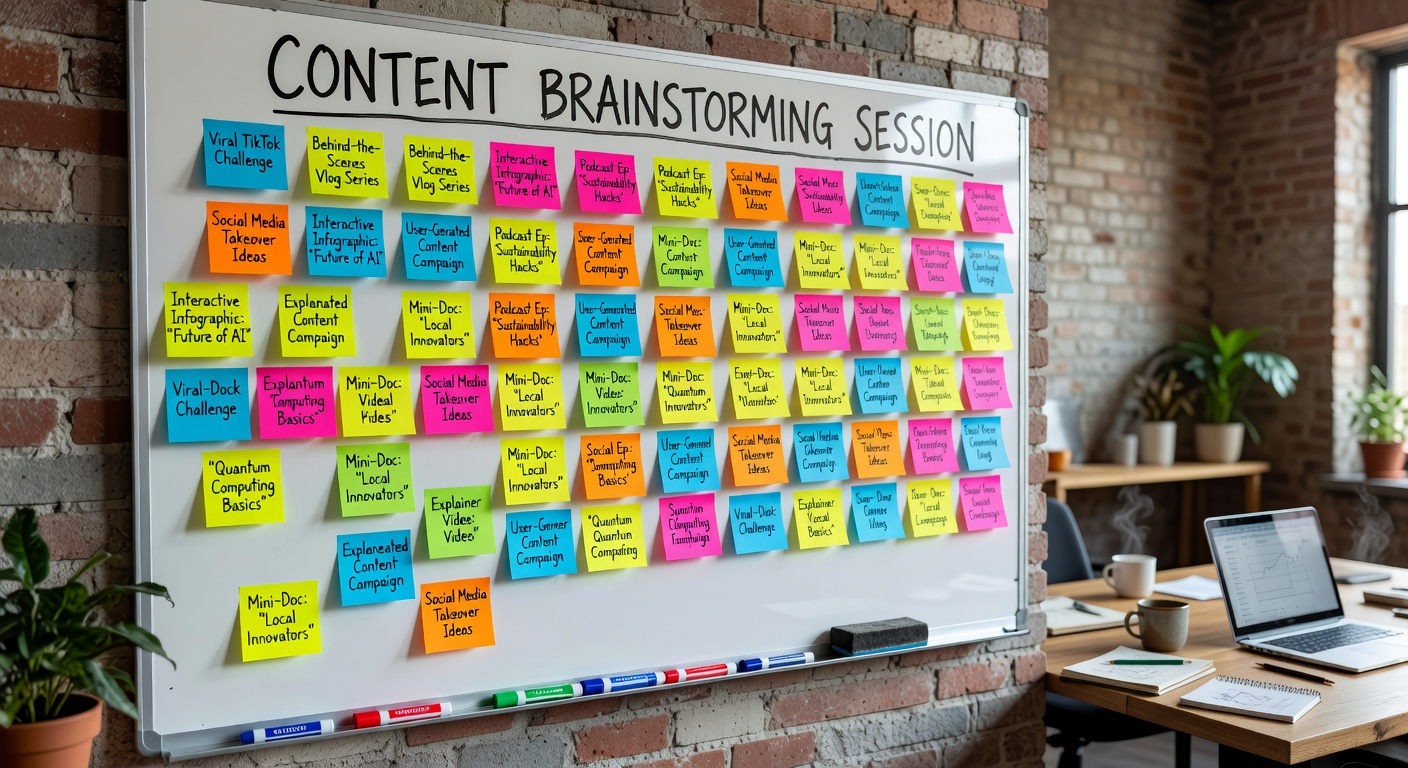
Content Creation Milestones Content Ideas Brainstorming Board

Download the Batch Day Checklist

Get the printable 5-phase batch day checklist and never lose your place during a batch session.

βœ“
Done!