📚 Content Bucket — Educational

The Educational
Content Bucket

Educational content is the single most powerful bucket for building authority, trust, and long-term audience growth. It turns strangers into students, and students into loyal customers. Here's everything you need to master it.

See 12 Content Ideas View Post Templates
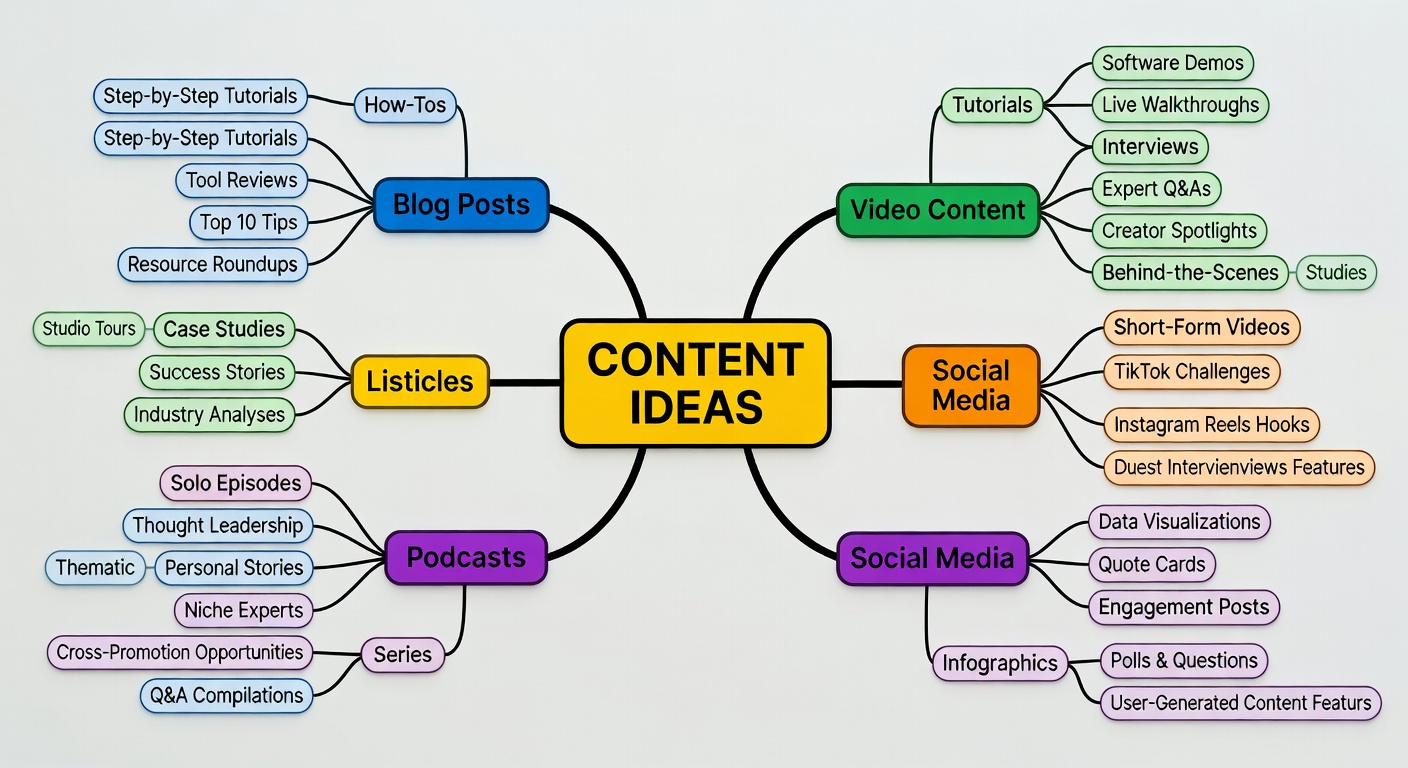
Educational content mind map

Teaching is the fastest path to trust

When you teach someone something useful, you become the person they think of when they need help in that area. Every educational post is a deposit in the trust bank. You're not just creating content — you're building a reputation.

Educational content also earns the highest save and share rates across platforms. People save how-to posts for later. They share tutorials with friends who need help. This organic distribution compounds over time — your best educational posts keep bringing in new followers months after you wrote them.

The fear most creators have is "what if I give away too much for free?" The answer is counterintuitive: the more freely you teach, the more people want to pay you to do it for them. Teaching generously is the best marketing there is.

3x
Higher save rate
2x
More shares
30%
Of ideal mix
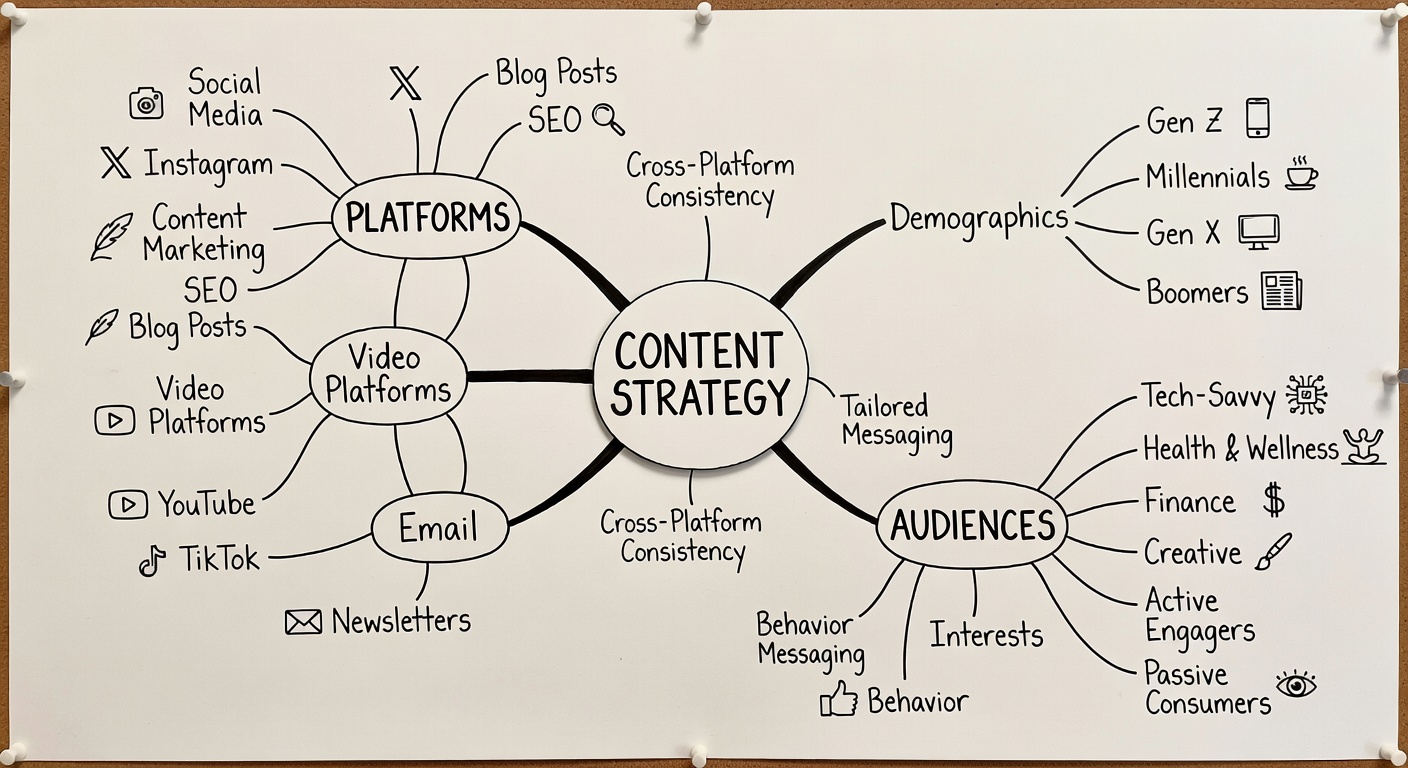
Content strategy mind map

12 Educational Content Ideas

Never run out of educational content again. These idea types work across every niche and every platform.

01

Step-by-Step How-To

Walk your audience through a specific process from start to finish. Be specific — "How to write a hook for Instagram Reels" beats "How to write better captions."

02

Myths vs. Facts

Debunk 3–5 common misconceptions in your niche. This format positions you as a trusted authority and gets shared by people who've believed the myths.

03

Beginner's Guide

Write the post you wish existed when you were starting out. Beginners are a huge audience and they share introductory content heavily with other beginners in their network.

04

Tool/Resource Round-Up

Share your 5–10 favourite tools, apps, or resources with one sentence on why each is useful. These posts get bookmarked repeatedly and bring back repeat visitors.

05

Explainer Post

Take a complex concept and explain it simply. Use analogies. The ability to make complicated things simple is a rare skill — and it makes you look incredibly knowledgeable.

06

Common Mistakes Post

"5 Mistakes Most [beginners/creators/marketers] Make." This format hooks readers immediately because everyone wants to know if they're making a mistake they don't know about.

07

Checklists

Turn a process into a numbered checklist. Checklists are highly scannable, immediately actionable, and screenshotted more than almost any other content format.

08

Data / Statistics Post

Share relevant industry stats with your own commentary. "This stat surprised me, and here's why it matters for you." Data-backed posts are shared heavily by professionals.

09

Glossary / Definitions

Define 5–10 industry terms that newcomers find confusing. "What [industry term] actually means" posts perform extremely well for search and new audience discovery.

10

Case Study Breakdown

Analyze a successful example in your niche — a brand campaign, a creator's strategy, a product launch. Break down why it worked. Real examples are more valuable than theory.

11

Framework / System

Give your audience a mental model or decision-making framework. Name it. "The [Name] Method" or "The 3-Step [System]." Frameworks are the most saved educational content type.

12

FAQ Compilation

Collect the 5–7 most common questions you get from your audience and answer them all in one post. Authentic FAQs perform exceptionally well because the questions come from real needs.
How to Format Educational Content by Platform

The same idea needs different treatment on different platforms. Here's your quick-reference guide.

📸 Instagram

  • → Carousels: 7–10 slides, big title slide
  • → Reels: Hook in 3 sec, tips with text overlay
  • → Caption: 150–250 words max
  • → First slide must stop the scroll
  • → Save-worthy: end with a summary slide

💼 LinkedIn

  • → Text posts: 150–300 words, line breaks
  • → Document carousels for step-by-steps
  • → No links in post body
  • → Open with a bold claim or question
  • → End with a question to prompt comments

🎵 TikTok

  • → Hook: "The #1 thing I wish I knew about X"
  • → 60–90 seconds performs best for tutorials
  • → Use text captions on screen throughout
  • → Fast-paced cuts, clear structure
  • → Comment "Part 2?" to test interest

▶ YouTube / Shorts

  • → Long-form: full tutorials 8–15 minutes
  • → Shorts: one tip in under 60 seconds
  • → Always link to longer video in Shorts
  • → Timestamps for long-form content
  • → Chapters signal quality to the algorithm

Sample Post Templates You Can Use Today

Fill in the brackets and post. These templates have been tested across niches and consistently drive saves and shares.

HOW-TO TEMPLATE

Step-by-Step Post

How to [achieve specific outcome] in [time frame]: Step 1: [Action] — [Brief explanation of why] Step 2: [Action] — [Brief explanation of why] Step 3: [Action] — [Brief explanation of why] Step 4: [Action] — [Brief explanation of why] Step 5: [Action] — [Brief explanation of why] The [most common mistake] is skipping Step [number]. Don't skip it. Save this for when you need it. 📌 [Optional: Which step do you find hardest? Comment below.]
MYTHS TEMPLATE

Myth-Busting Post

3 myths about [topic] that are slowing you down: ❌ Myth 1: "[Common misconception]" ✅ Truth: [What's actually true + brief explanation] ❌ Myth 2: "[Common misconception]" ✅ Truth: [What's actually true + brief explanation] ❌ Myth 3: "[Common misconception]" ✅ Truth: [What's actually true + brief explanation] I believed all three of these for [time period]. Knowing the truth saved me [specific benefit]. Which myth surprised you most?
FRAMEWORK TEMPLATE

The Named Framework Post

I use the [Name] Framework every time I [do the task]. It has [number] parts: [Letter/Number] — [Part name]: [One sentence explanation] [Letter/Number] — [Part name]: [One sentence explanation] [Letter/Number] — [Part name]: [One sentence explanation] Before I had this framework, I would [describe the problem]. Now I [describe the improvement]. Feel free to steal it — and tag me when you use it so I can see what you create. [Question to invite engagement]

Map Out Your Educational Content Calendar

Plan 30 days of educational posts in under an hour with the Calend Content Planner.

Get the Free Template
Done!